







Training crews to properly maintain tools and equipment
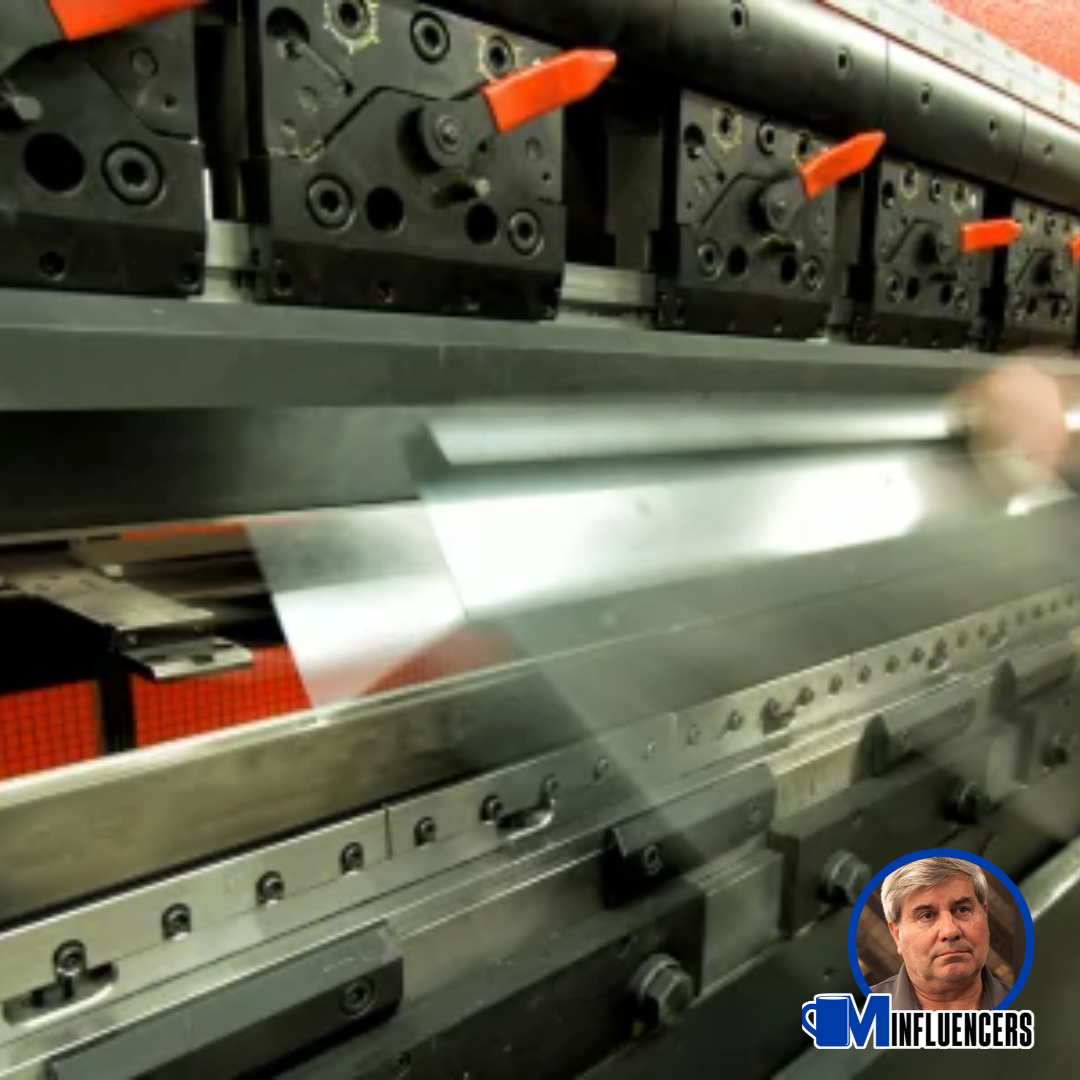
MCS Influencer David Leinbach says utilizing project management software keeps jobsites safe, productive and compliant.
On a construction jobsite, a failed tool or piece of equipment is more than an inconvenience. It is a safety hazard, a schedule risk and a cost driver. Damaged equipment can injure workers, delay critical-path activities and expose the company to OSHA citations. Today's project management and equipment-tracking software makes it easier than ever to build a consistent inspection culture and document every check.
Make inspections part of the daily workflow
Software works best when it reinforces clear, non-negotiable standards. Every crew should follow three rules:
- Equipment: Inspect every piece of equipment before each operation, including aerial lifts, forklifts, cranes, welders and generators.
- PPE: Check all personal protective equipment daily before work starts, including hard hats, harnesses, lanyards, gloves, eye protection and high-visibility vests.
- Tools: Inspect hand and power tools before and after each use to catch damage, missing guards, frayed cords or worn blades.
Use technology to standardize and document
Platforms such as Procore, Autodesk Construction Cloud, SamrtBuild and dedicated equipment-management apps allow supervisors to build digital checklists that crews complete on a phone or tablet. Each inspection is time-stamped, tied to a specific asset and stored in a searchable record. QR codes or asset tags let workers scan a tool or machine and pull up the correct checklist in seconds.
These systems also automate preventive maintenance. Service schedules can be based on hours of operation, mileage or calendar dates and the software sends reminders before service is due. Supervisors gain real-time visibility into which assets are ready, which are due for service and which are out of commission.
Tag out anything that fails
When an inspection uncovers a problem, the rule is simple: if it is not working properly or needs repair, it is locked out and tagged out (LOTO) immediately. The item is removed from service, physically locked and tagged and reported in the software. A failed checklist item can automatically generate a work order, notify the equipment manager and flag the asset as unavailable so no one schedules it for use. The lock and tag stay on until a qualified person completes the repair, documents the fix and returns the item to service.
Train the crew, not just the system
Software is only as effective as the people using it. Train crews on what to look for during inspections, how to complete digital checklists and how to apply LOTO correctly. Review inspection data during toolbox talks, recognize crews who report issues and make it clear that stopping work to flag a defect is always the right call.
The takeaway
Consistent inspections, digital documentation and strict LOTO procedures protect workers, extend equipment life and keep projects on schedule. By pairing clear expectations with the right software, contractors can turn tool and equipment maintenance from an afterthought into a daily habit.
Recommended For You
Slow days build better leaders
Read More ...
Planning your slow times can bring great returns
Read More ...
Preparing today for tomorrow’s metal roofing projects
Read More ...
UP TO THE MINUTE







Comments
Leave a Reply
Have an account? Login to leave a comment!
Sign In